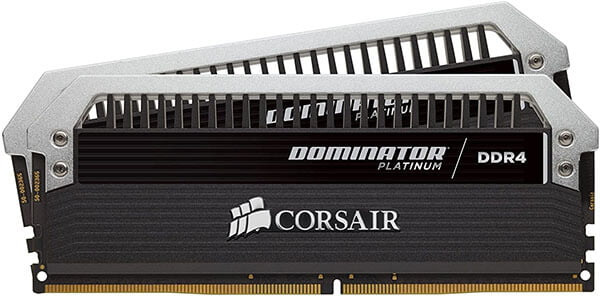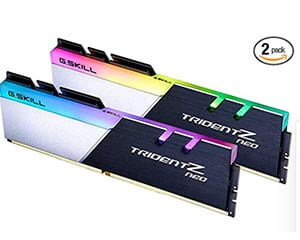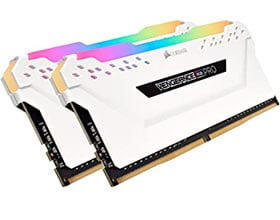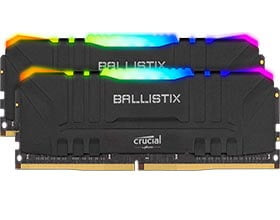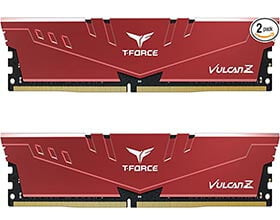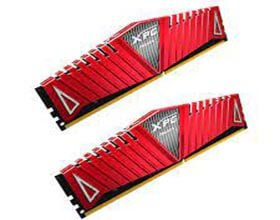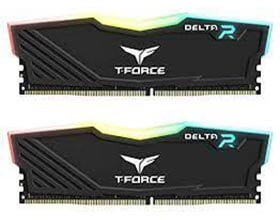
Start with the exact motherboard model and firmware revision. A Ryzen 5 2600 desktop uses DDR4 memory, but the board determines which module sizes, slot arrangements and settings it supports.
Table of Contents
Check the board before buying
Read the memory section in the motherboard manual. Match the module type, capacity and number of modules to its supported configurations. If the manufacturer publishes a memory compatibility list, look for the full kit part number and the CPU generation used for the test. Kits with similar names can contain different parts.
Choose capacity and check clearance
Check your usual applications’ memory use before choosing capacity. For a two-module kit on a four-slot board, use the pair of slots specified in the manual. Tall heat spreaders can interfere with a tower cooler, so check the available clearance before ordering.
Start with standard settings
After installation, check that the firmware detects both modules and their full capacity. A speed printed on the box may depend on a separate memory profile. If the system becomes unstable after enabling it, restore the board’s standard settings and follow its troubleshooting guide.